Finding your way to Tap-In: Putts & Brews is as easy as sinking a short putt. We’re conveniently located near plenty of parking, and the venue is easy to access! To access the facility and use our simulators during off-hours, refer to the instructions below!
Accessing the Facility
During off-hours:
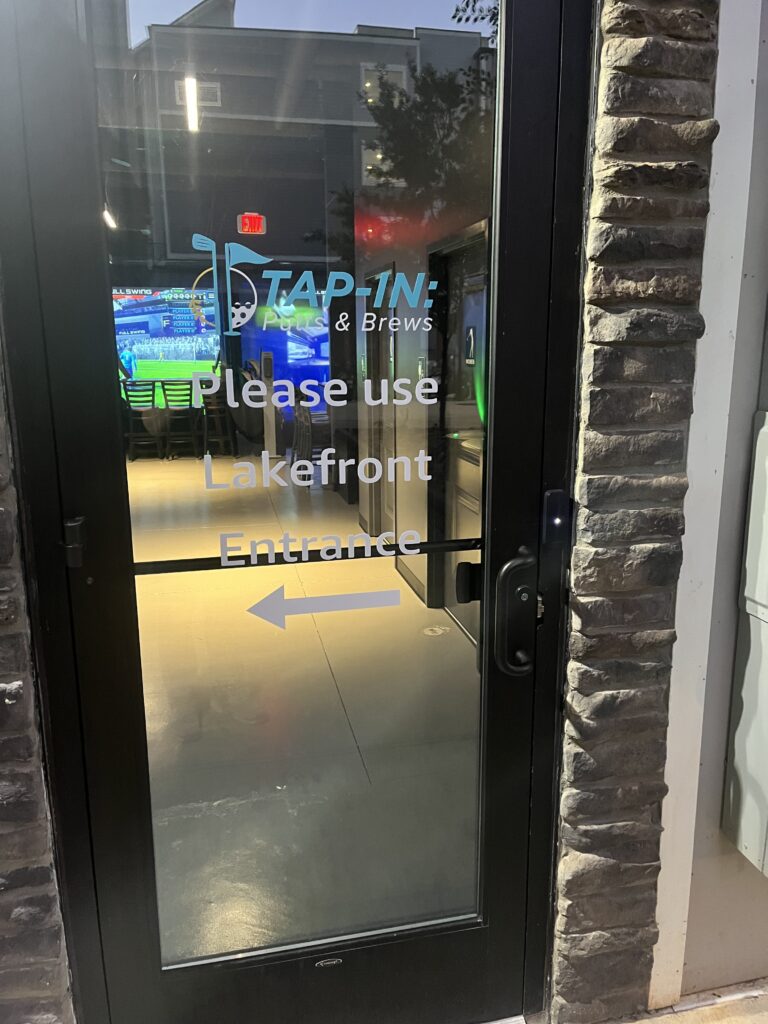
To open the plaza side door, open the Alta Open app on your phone, then hold the phone directly in front of the Control Access Unit on the right side of the door by the handle. It is a little black box with a white light in the middle of it. The door will unlock, and you may enter the venue. Reference the pictures at the bottom of this page.
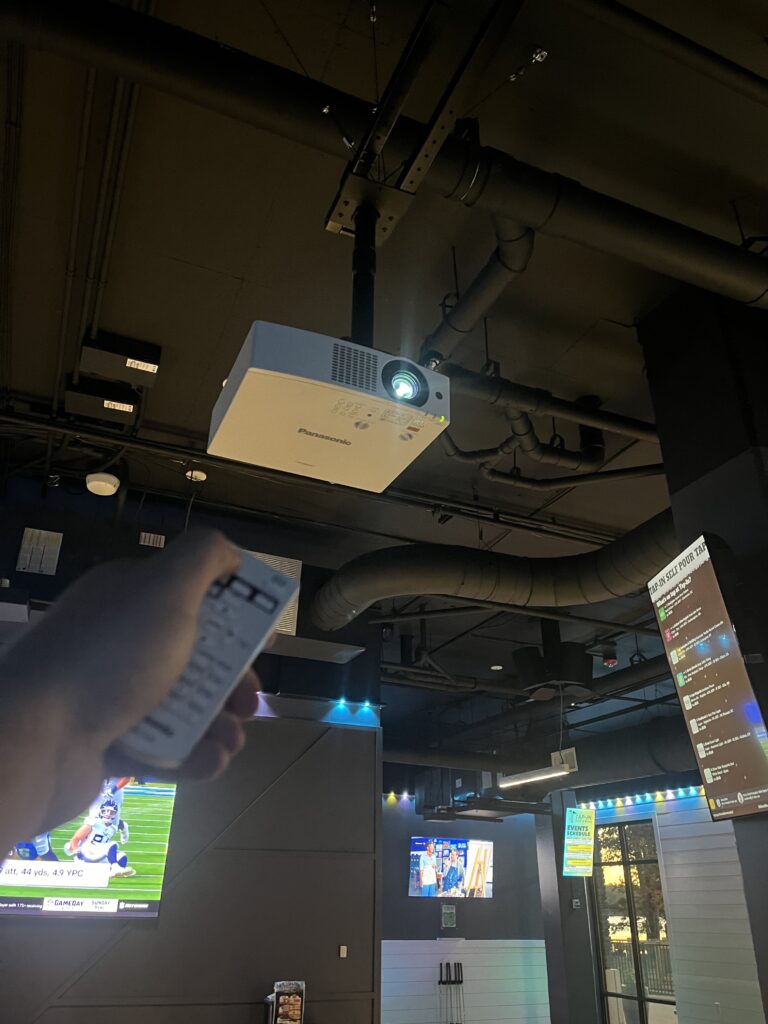
All of our simulators will be ready to use during off-hours. Simply grab the white remote at each computer, point it at the projector, and press the power button to turn on the projector. Please turn the projector off when you are finished playing! Reference pictures at the bottom of this page.